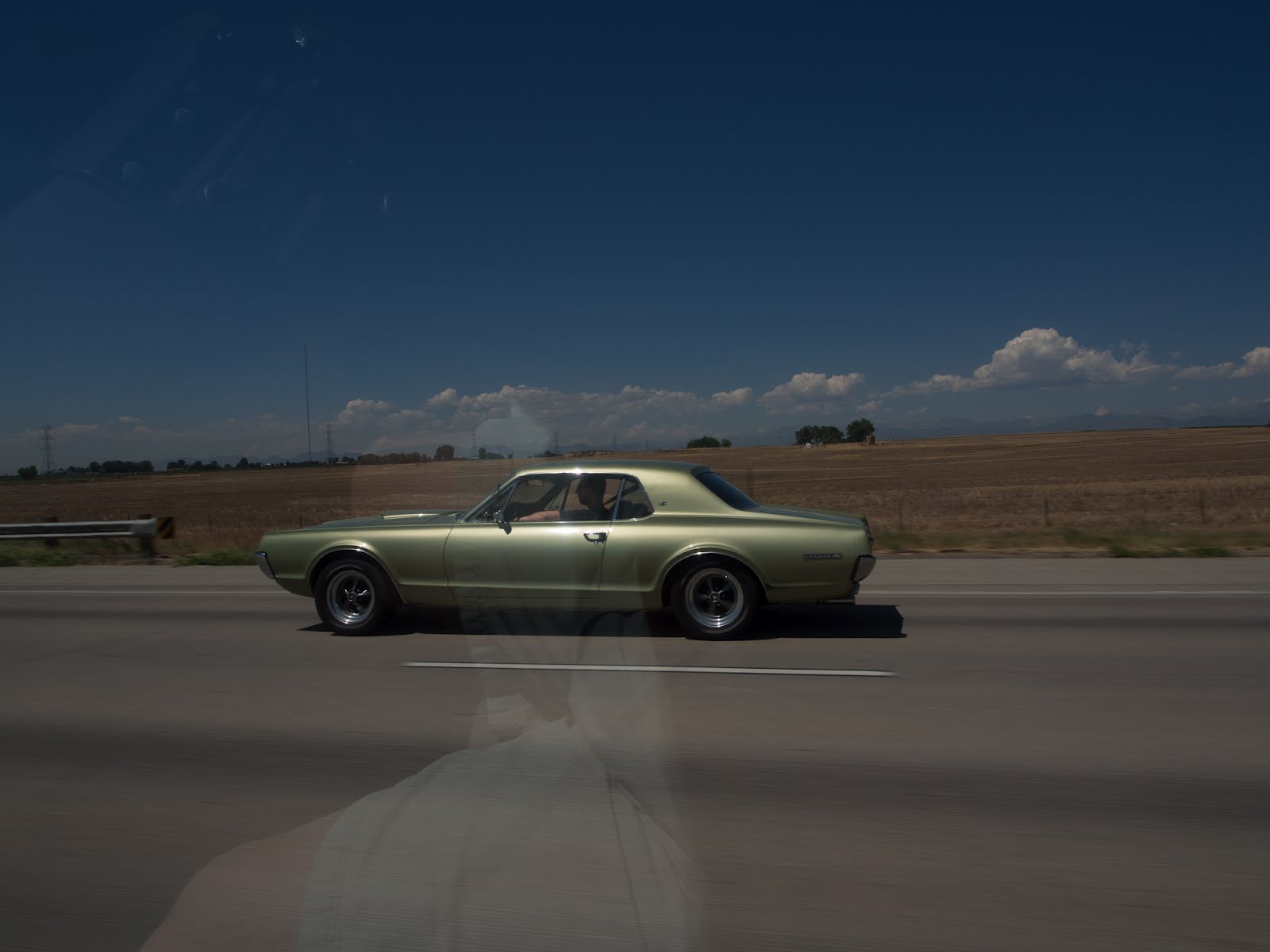
I'll admit that when it comes to post processing of images that I'm pretty lazy. My typical work flow is to import the images into Lightroom, assign keywords, and then go through them and click on the auto button to automatically adjust the settings to what Lightroom things are the correct settings. Sometimes I like the results and sometimes I don't. I may get fancy and try a preset but that's really just applying someone elses settings to your images. I know if I wanted to get the best possible image I should spend more time learning Lightroom and how to make adjustments but in all honesty I'd much rather be outside shooting pictures instead of inside post processing them. Okay so what does that have to do with the this post you may be wondering? Well something that has been discussed a good bit is just how well Lightroom can process the RAW images from the Olympus OM-D E-M5 camera. I have also read about exposing to the right (ETTR). In a nutshell, as I understand it, with ETTR you want to intentionally overexpose the image but not to a point where things get blown out. With that in mind I decided to conduct a little test. This is the first part of a multiple part series I'll be working on over the next few days.
Presented below are a series of screen captures from Lightroom showing the before and after edits. The before image is how the image looking in Lightroom straight out of the camera (SOOC) and the after image shows how it looks after clicking the Auto button in Lightroom. All images were shot with the same aperture and I intentionally set exposure compensation as follows: +3, +2.7, +2.3, +2, +1.7, +1.3, +1, +.7, +.3, +0, -.3, -.7, -1, -1.3, -1.7, -2, -2.3, -2.7, -3. All shots where taken handheld using the 40-150 lens at 150mm, ISO 200. You can click on any image to view a larger version of it.

+3 Notice the shutter speed. 1/30th of a second hand held! Gotta love that E-M5 IBIS.

+2.7

+2.3

+2

+1.7

+1.3

+1

+.7

+.3

+0 Before. This shot shows the image with +0 exposure compensation and before clicking the auto button in Lightroom.

+0 After. This is how the shot looks after clicking auto in Lightroom. Notice how it boasted the exposure even though the camera's meter indicated the image was exposed properly.

-.3

-.7

-1

-1.3

-1.7

-2

-2.3

-2.7

-3
Conclusion
Just going by these images it appears Lightroom does a pretty darn good job adjusting the image reardless if you over, under, or properly expose the image. While the images may look good in this view we need to do some pixel peeping to see how things really look, noise wise with the images. That's the topic for the next post in this series.