One of the features that appealed to me about the Olympus OM-D E-M5 was its ability to shoot in various aspect ratios. I know you can use cropping as part of post processing to do the same thing but that does not allow you to see the results immediately in camera. The E-M5 supports 5 different aspect ratios: 4:3 (default), 16:9, 3:2, 1:1, and 3:4. One feature I really like is if you are shooting in RAW format, which is what I use, the camera actually creates two images. The RAW file shot in the default aspect ratio and a JPG with the selected aspect ratio applied. The best part is the camera automatically creates the JPG file for you, you don't have to set the camera in RAW/JPG mode. Depending on which aspect ratio you the images will be sized as follows:
4:3 - 4608x3456
16:9 - 4608x2592
3:2 - 4608X3072
1:1 - 3456x3456
3:4 - 2592x3456
Below are samples of each aspect ratio. These were shot with my E-M5, mounted on a tripod, using the M.Zuiko Digital ED 14-42mm f3.5-5.6 II R lens (what is it with Olympus and these crazy long names for everything!). You can click on each image to view a larger version of it. The aspect ratio used is shown below each photo.

4:3 Aspect Ratio

16:9 Aspect Ratio

3:2 Aspect Ratio
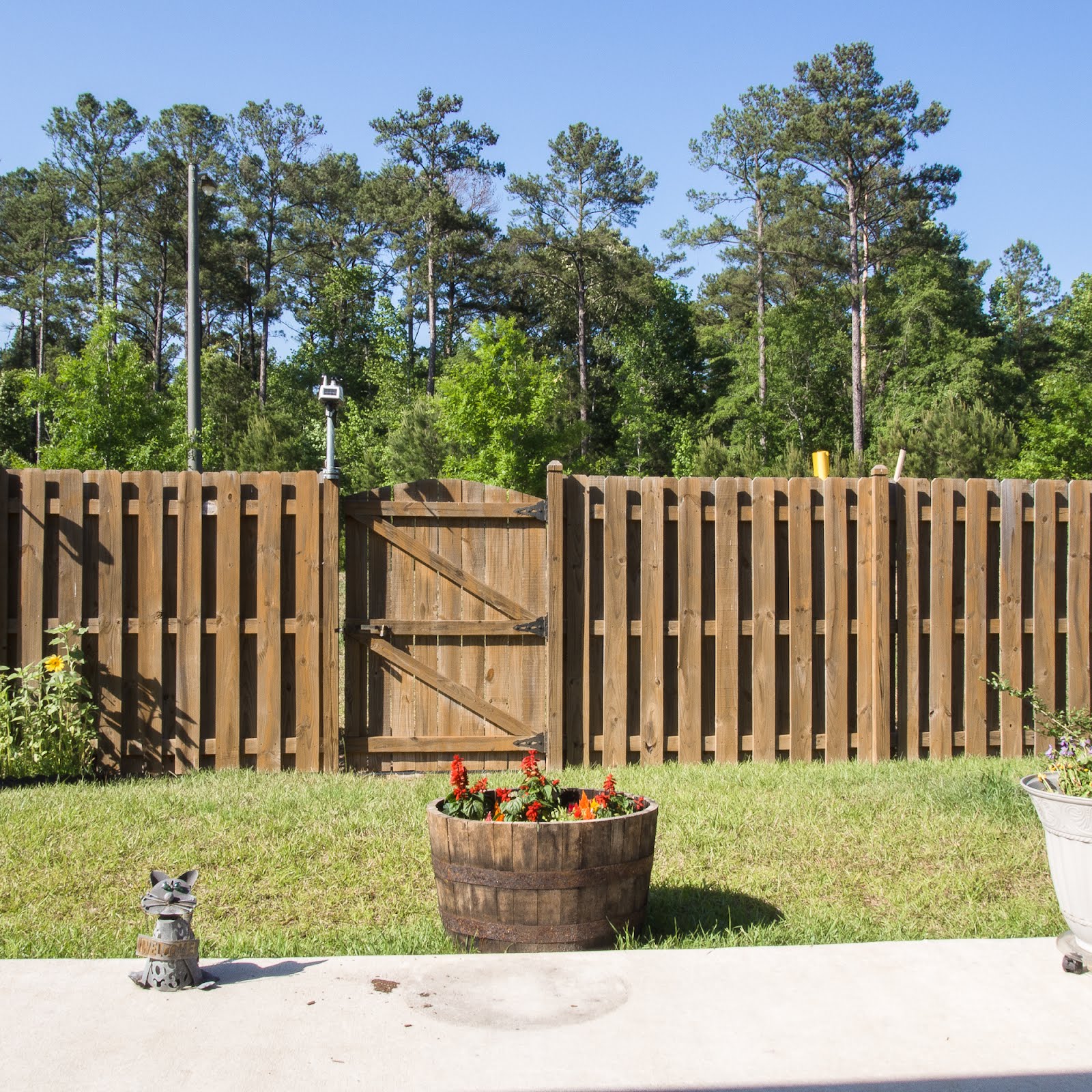
1:1 Aspect Ratio

3:4 Aspect Ratio
So does one aspect ratio look better to you than others? Although I normally shoot in the default aspect ratio of 4:3 I really like the square look of the 1:1 aspect ratio.

